Help with uploading a SVG file to use as a custom symbol style in ArcGIS Online

Hi There! I am posting to see if anyone may be able to help provide any insight or suggestions relating to uploading custom SVG files via the symbol style pop-up in an ArcGIS Online web map.

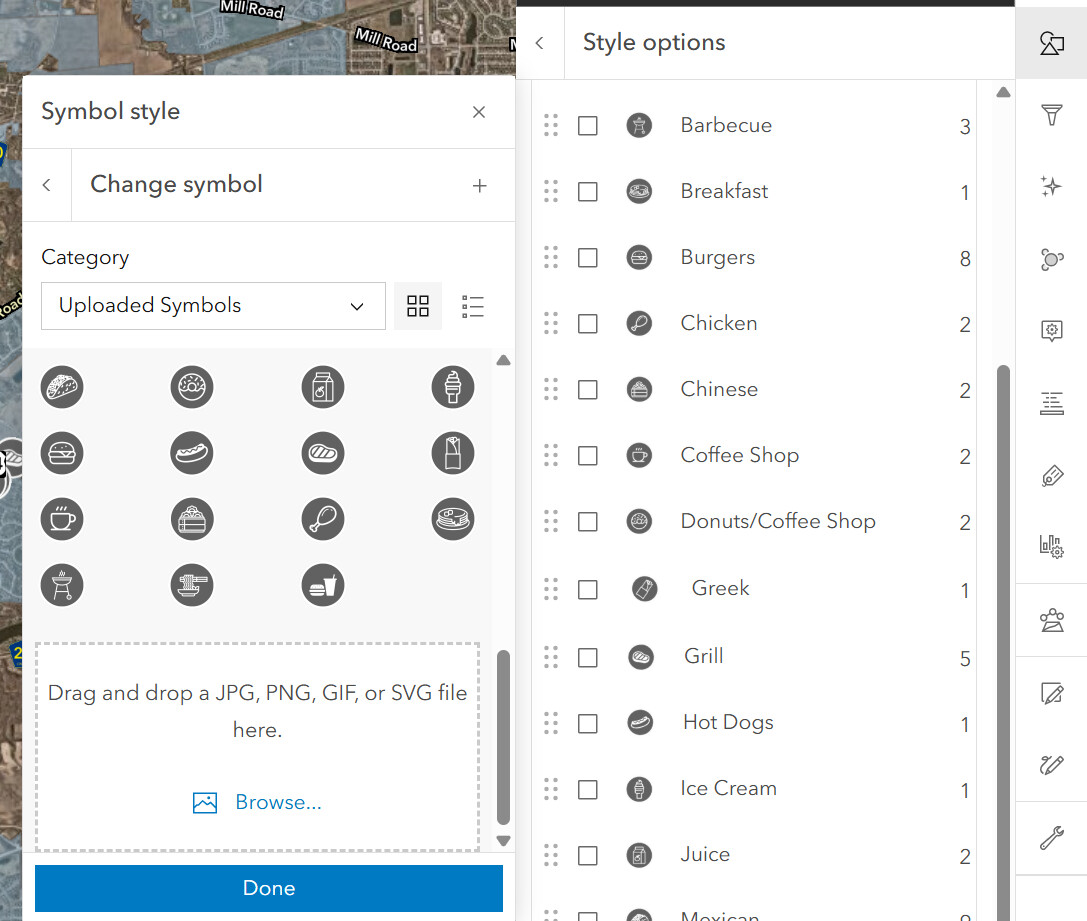
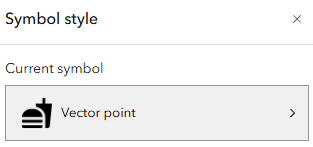
I wanted to try and visualize the restaurant options in a given area, and figured that using custom SVG files could be a nice way of visualizing the different cuisine types that these establishments have to offer. However, I keep running into an issue when trying to upload these SVG files online, even though there is an option to do so. (Please reference the image below.)

Now, this upload seems to work whenever I upload an item with any other file format, including animated GIFs, but never any SVG files. I guess I was just wondering if anyone else has ever run into this issue, and if you were able to figure out a solution, if you could potentially share your knowledge here? I am starting to believe this could be a bug, but figured I would ask in here just in case!

Thank you!

Hi Katie,

We use SVG files created in-house for several projects. Our files are drawn using a version of Adobe Illustrator, then saved as SVG. Do you happen to have the SVG code to post in the forum?
<svg version="1.1" xmlns="http://www.w3.org/2000/svg" xmlns:xlink="http://www.w3.org/1999/xlink" x="0px" y="0px" width="36px"
	 height="36px" viewBox="0 0 36 36" enable-background="new 0 0 36 36" xml:space="preserve">
<g id="IMAGE">
</g>
<g id="Layer_2">
	<circle fill="#39B54A" stroke="#006838" stroke-miterlimit="10" cx="18" cy="18" r="17.279"/>
	<path fill="#FFFFFF" d="M29.274,10.855h-7.03V7.931c0-1.329-1.076-2.406-2.405-2.406h-3.717c-1.329,0-2.405,1.077-2.405,2.406
		v2.924H6.726c-1.33,0-2.406,1.077-2.406,2.405v11.415c0,1.329,1.077,2.405,2.406,2.405h22.549c1.329,0,2.405-1.076,2.405-2.405
		V13.26C31.68,11.932,30.604,10.855,29.274,10.855z M18.002,25.722c-3.765,0-6.818-3.05-6.818-6.815
		c0-3.764,3.053-6.816,6.818-6.816c3.765,0,6.814,3.052,6.814,6.816C24.816,22.672,21.767,25.722,18.002,25.722z"/>
</g>
</svg>

-Adam

2 Likes

Hi Adam,

Thank you so much for your response!

The SVG code I was attempting to upload was something like this:

<svg xmlns="http://www.w3.org/2000/svg" viewBox="0 0 24 24"><title>food</title><path d="M18.06 23H19.72C20.56 23 21.25 22.35 21.35 21.53L23 5.05H18V1H16.03V5.05H11.06L11.36 7.39C13.07 7.86 14.67 8.71 15.63 9.65C17.07 11.07 18.06 12.54 18.06 14.94V23M1 22V21H16.03V22C16.03 22.54 15.58 23 15 23H2C1.45 23 1 22.54 1 22M16.03 15C16.03 7 1 7 1 15H16.03M1 17H16V19H1V17Z" /></svg>

I haven’t tried Adobe Illustrator yet, but that sounds like a great option to try next!

Katie,

The SVG code you provided was able to be saved into an SVG file after copying to Notepad. Then it successfully symbolized my points in AGOL.

SVG file upload.
svg

2 Likes

This topic was automatically closed 2 days after the last reply. New replies are no longer allowed.